📍 Deliver to
Global
🇨🇦
Hello, visitor
Best Sellers
Top Picks
Top Sellers
🔔
Home› INPHIC Bluetooth Mouse Rechargeable Wireless Mouse…
Product image 1 Product image 2 Product image 3 Product image 4 Product image 5 Product image 6 Product image 7 Product image 8
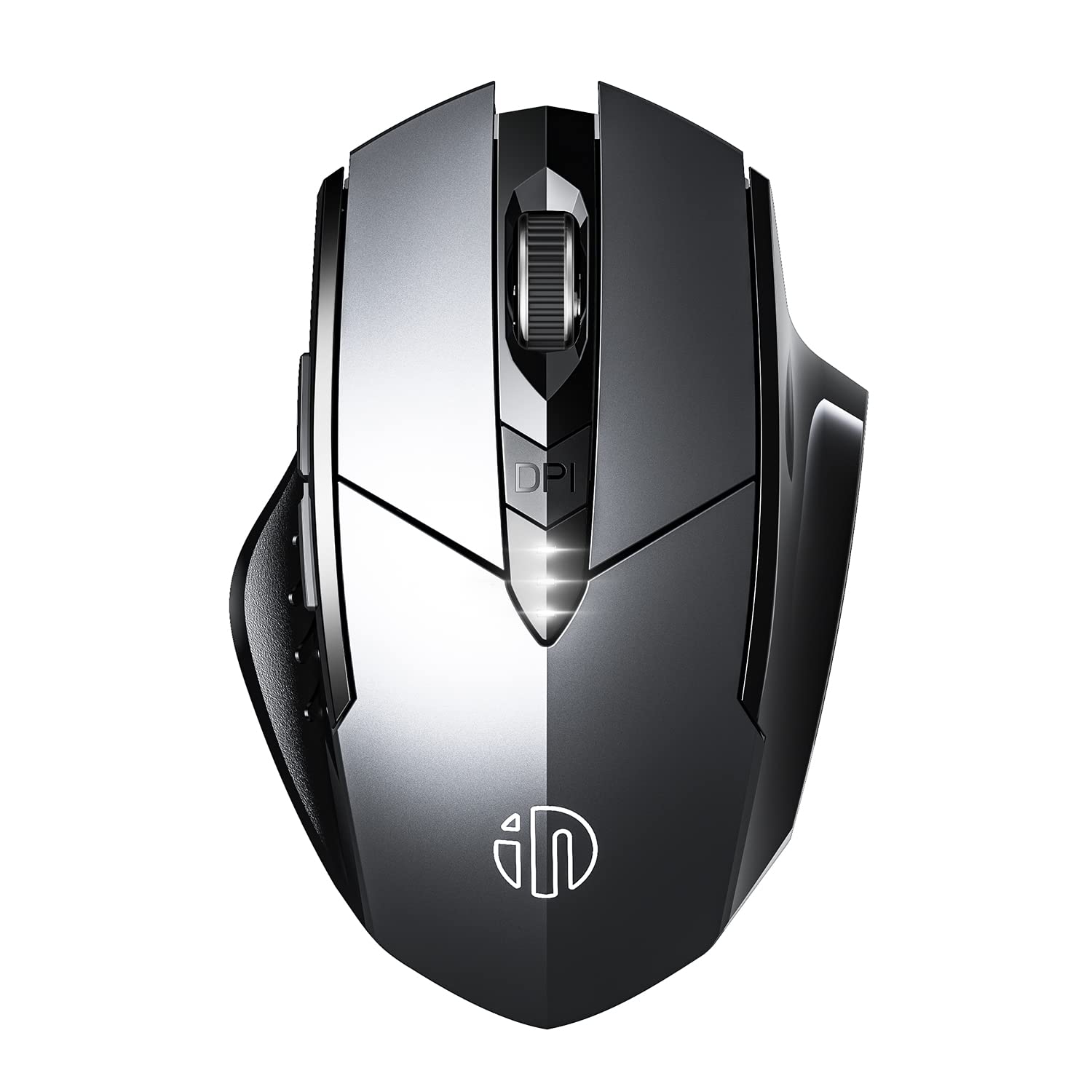
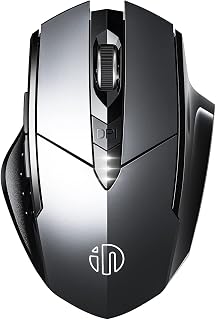
INPHIC Bluetooth Mouse Rechargeable Wireless Mouse Multi-Device (Tri-Mode: BT 5.0/4.0+2.4Ghz Nano Receiver) with Silent, Battery Level Visible Computer Mouse, Gray

INPHIC Bluetooth Mouse Rechargeable Wireless Mouse Multi-Device (Tri-Mode: BT 5.0/4.0+2.4Ghz Nano Receiver) with Silent, Battery Level Visible Computer Mouse, Gray

★★★★★ 4.3 1,023 ratings

About this item

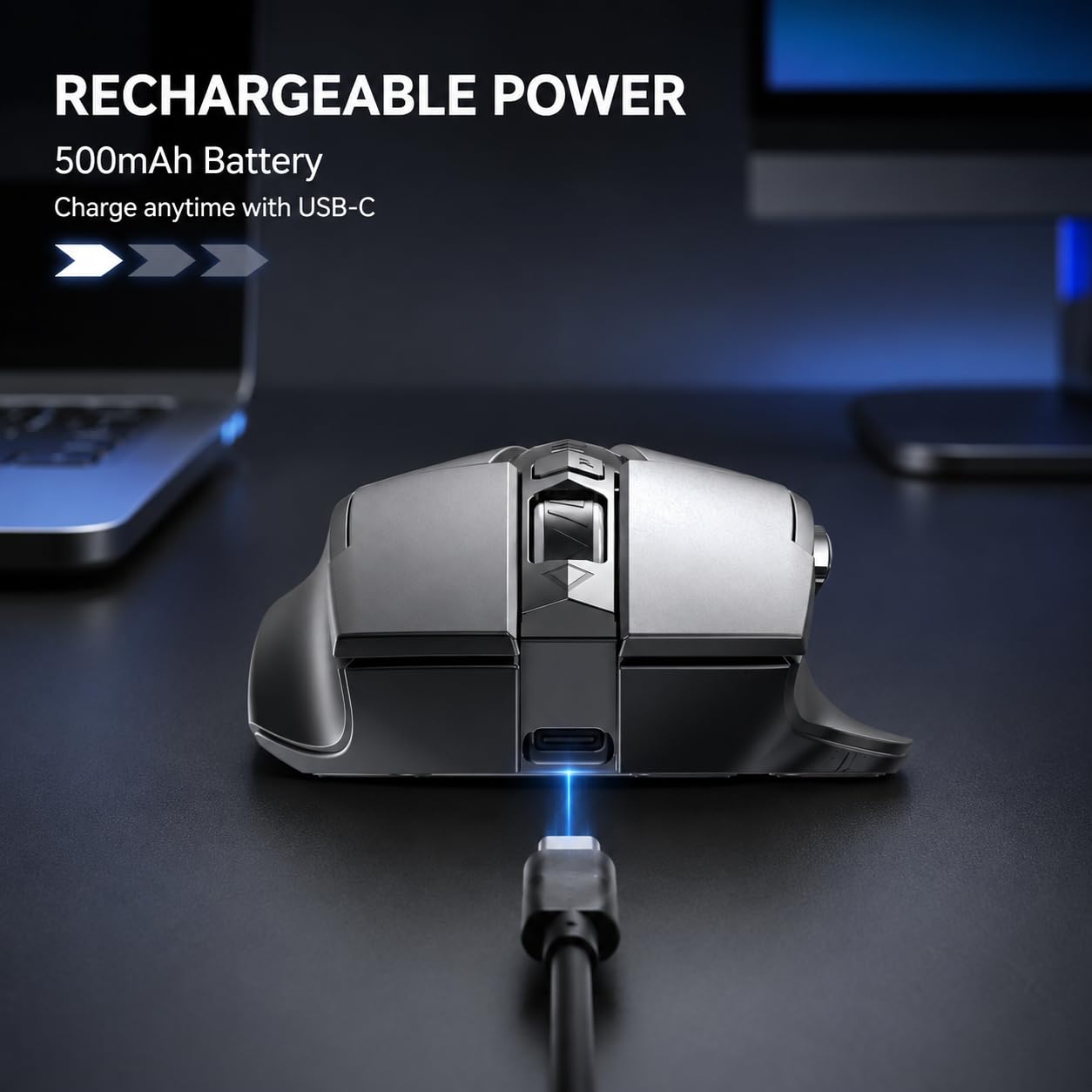
  • 【UPGRADE FUNCTION】RECHARGEABLE & POWER INDICATOR - Built-in large-capacity rechargeable Lithium polymer battery, which can be used for several months after a single charge. This wireless computer mouse is equipped with 3 power indicator lights, and the innovative design can clearly display the power source, saying goodbye to power failure
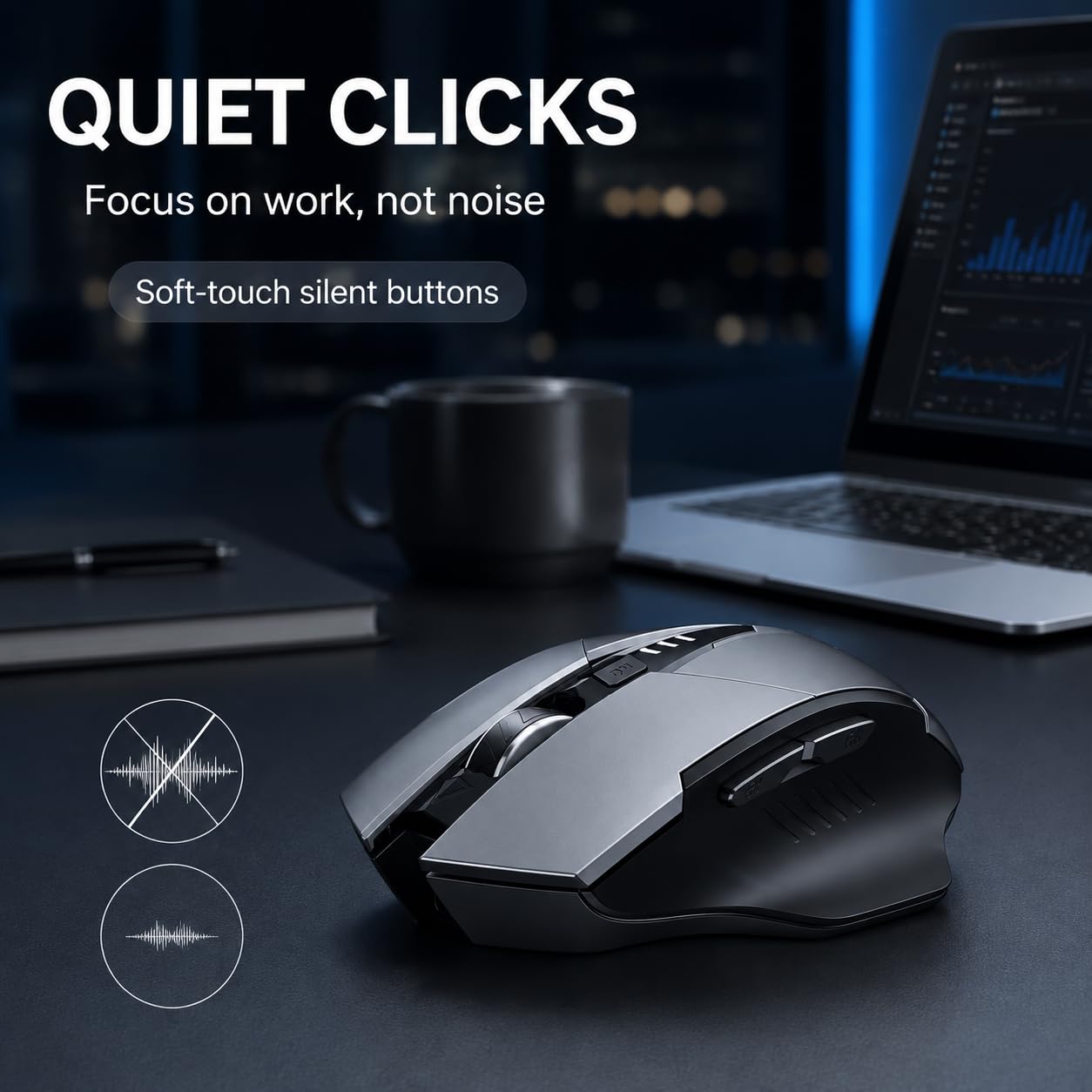
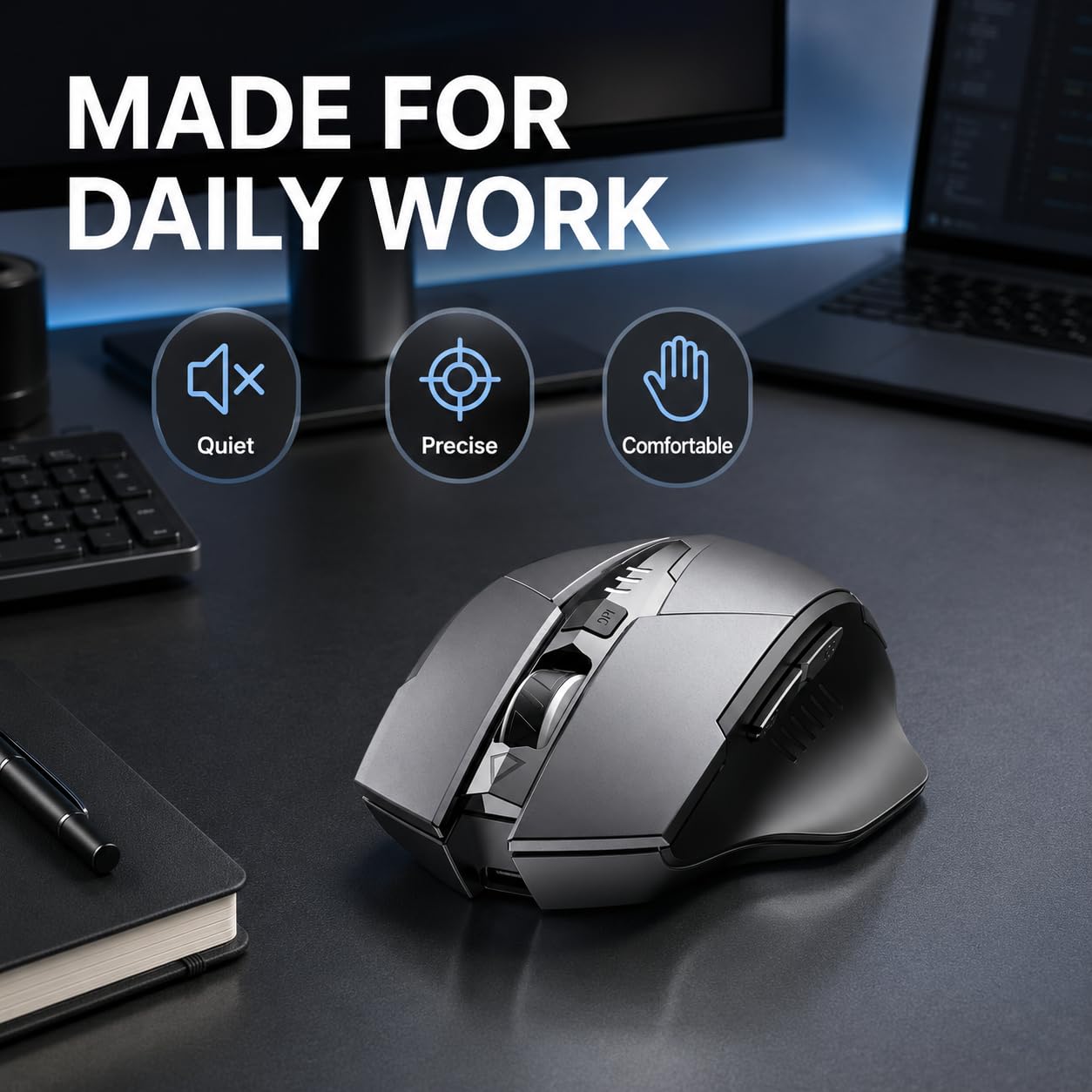
  • 【Silent Click(left and right button)】Silent clicking laptop mouse for left and right button fits the circumstance for using the mouse in public, such as library, dormitory, office and so on, and apart from blue light indication during recharging and light off after full recharge, this design results worry-free for disturbing others
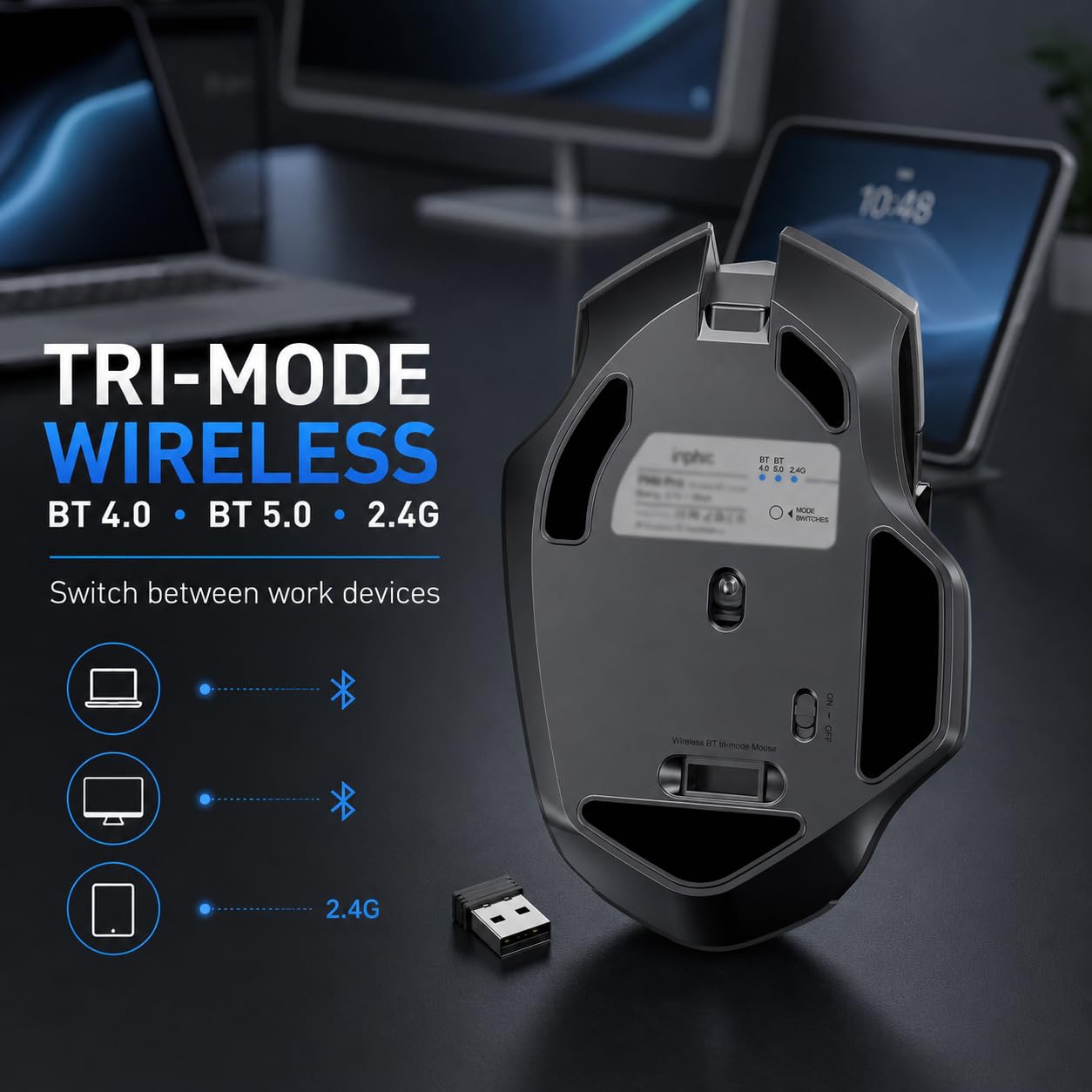
  • 【TRI-MODE CONNECTION】Inphic Bluetooth 5.0/4.0 and 2.4G USB connection. You can switch to any mode by clicking the mode switch button located at the bottom of the mouse. Once you complete the pair of Bluetooth or insert the USB, you can freely switch to each mode and the maximum operating distance of each mode is 10 meters
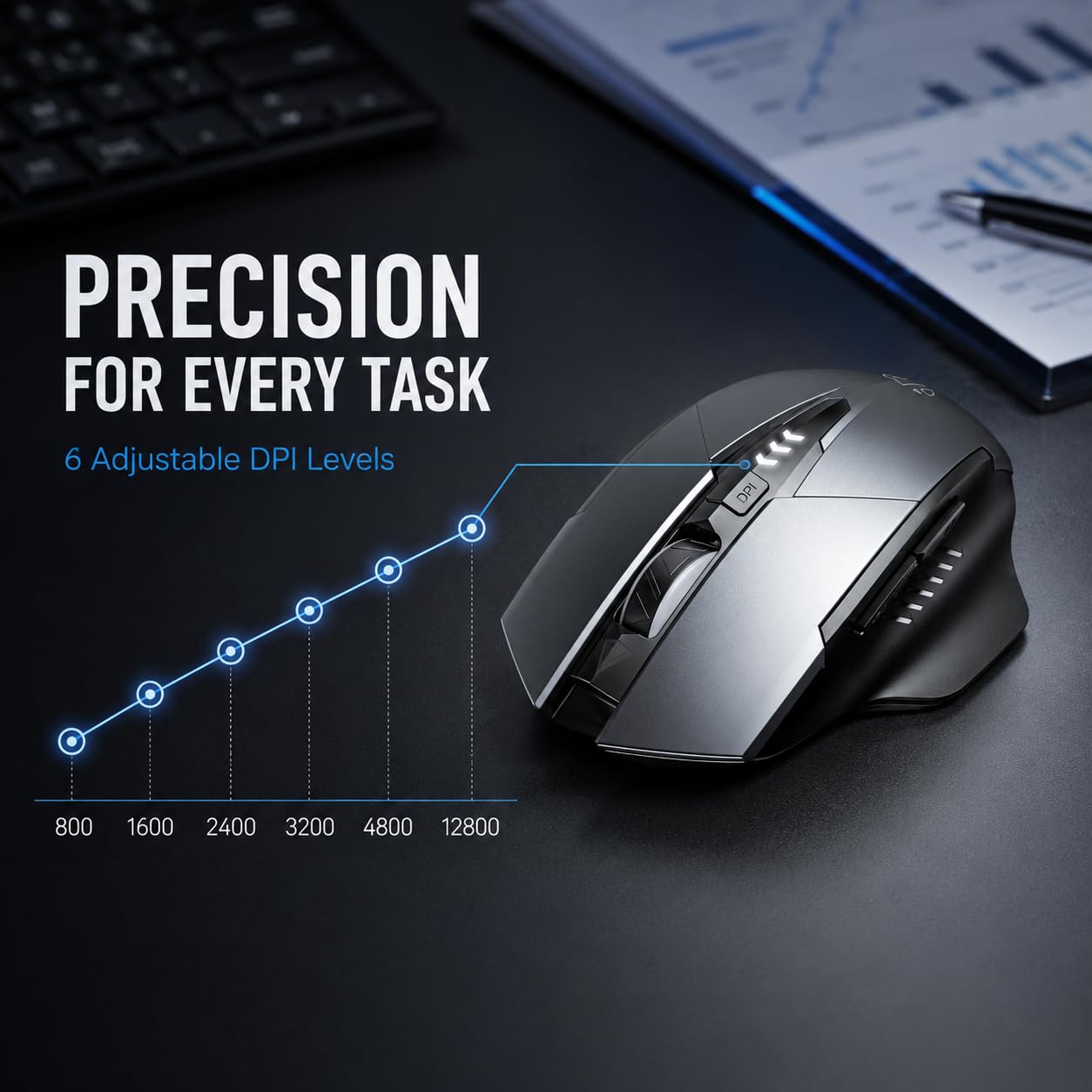
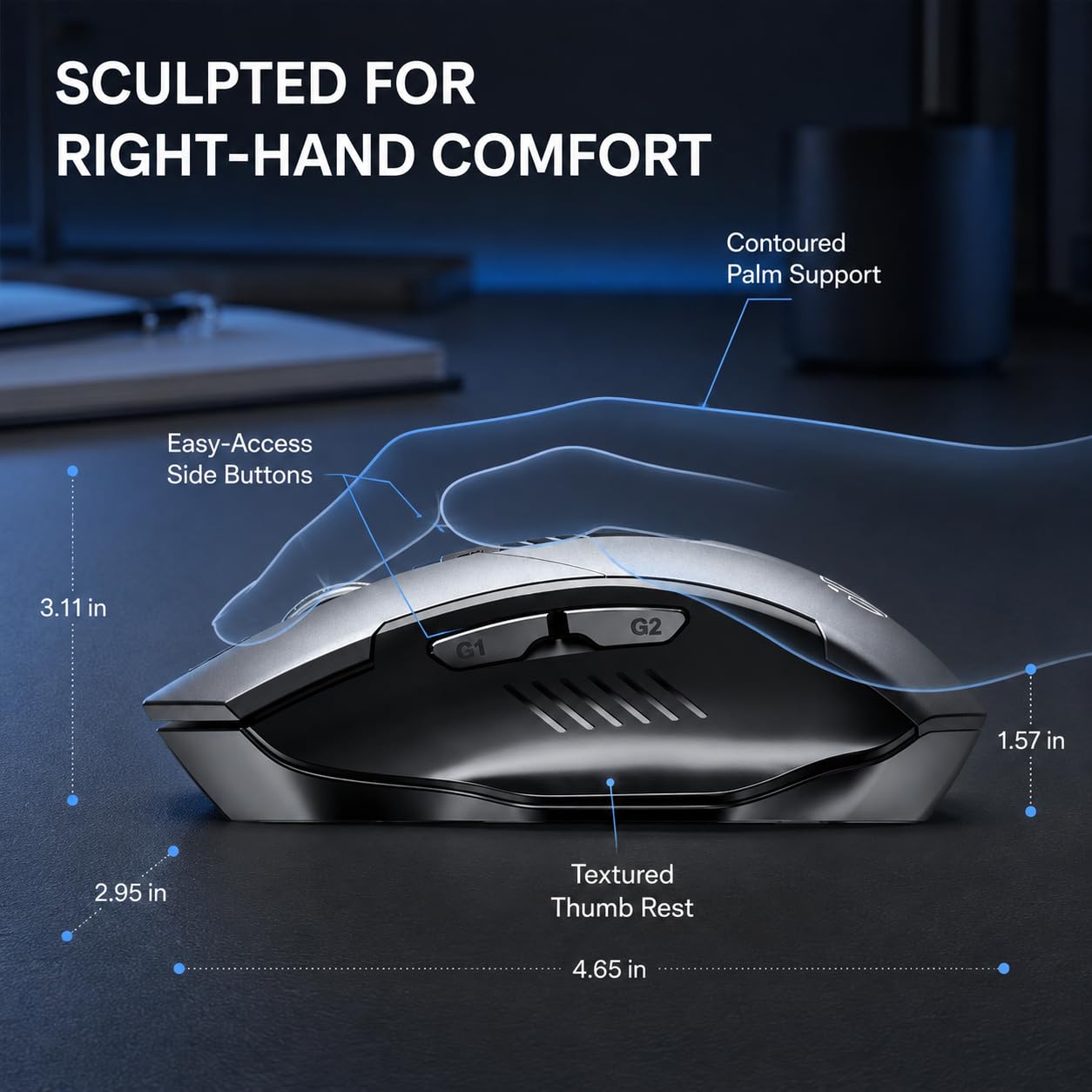
  • 【ERGONOMIC DESIGN & 5 DPI Level】The Bluetooth mouse is designed for right-handed users for the best hand feeling. Six efficient buttons and three adjustable dpi levels (800/1200/1600/2000/2400) that allow you to freely control the mouse speed
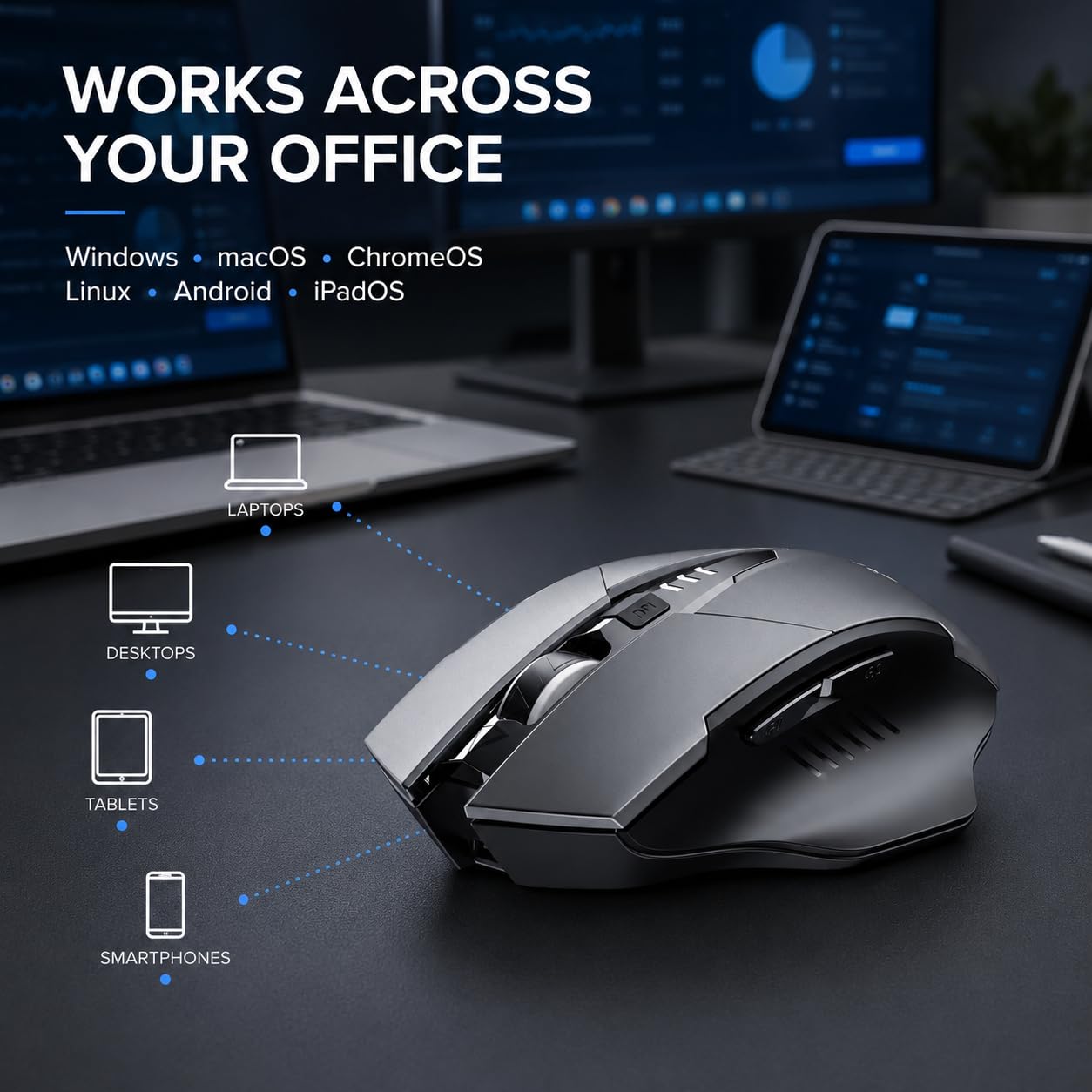
  • 【COMPATIBILITY 】It is compatible with Windows xp/7/8/10/11, vista and mac os systems. Meanwhile, Bluetooth 5.0 is compatible with windows 8/10/11(but not windows 7 or XP), Android, Mac OS system; 2.4G USB connected mode support any USB enabled devices, which just need to simply insert the USB receiver.(Please note that a separate converter is required for using the USB receiver to connect Mac Os d
  • 2.4G wireless mode: Win XP / WIN7 / WIN8 / WIN10 or later
  • Bluetooth 4.0 mode: Win XP / WIN7 / WIN8 / WIN10, Mac, Chrome OS, Android System
  • Bluetooth 5.0 mode: WIN8 / WIN10, Mac, Chrome OS, Android system (Bluetooth 5.0 does not support Win 7/ XP)
  • Turn on the power switch to Bluetooth mode
  • Bluetooth 5.0 mode: (green light flashes slowly); Bluetooth 4.0 mode:(blue light flashes slowly)
  • Press the Bluetooth pairing button for about three seconds, the power indicator flashes (Bluetooth 5.0: Green; Bluetooth 4.0: Blue), indicate that the mouse is in pairing mode.
  • Search for "BT5.0 Mouse_Pro" or "BT4.0 Mouse" through your devices, and then click to match. The indicator light will go out after pairing and the mouse can be used normally.

Product details

ASINB0CC21K7CC
Marketplace🇨🇦 CA · CAD
CategoryAmazon
Customer reviews1,023 ratings · 4.3/5
DeliveryFast Prime-eligible delivery
Returns30-day free returns
C$25.99
FREE delivery for Prime members
Returns allowed within 30 days
Shipped & sold by Amazon
In Stock
Go to Amazon Buy Now 🇨🇦
🔒 Secure Amazon checkout
Back to top ↑