📍 Deliver to
Global
🇬🇧
Hello, visitor
Best Sellers
Top Picks
Top Sellers
🔔
Home› USB to DisplayPort Adapter, Built-in Drivers, USB …
Product image 1 Product image 2 Product image 3 Product image 4 Product image 5 Product image 6 Product image 7 Product image 8
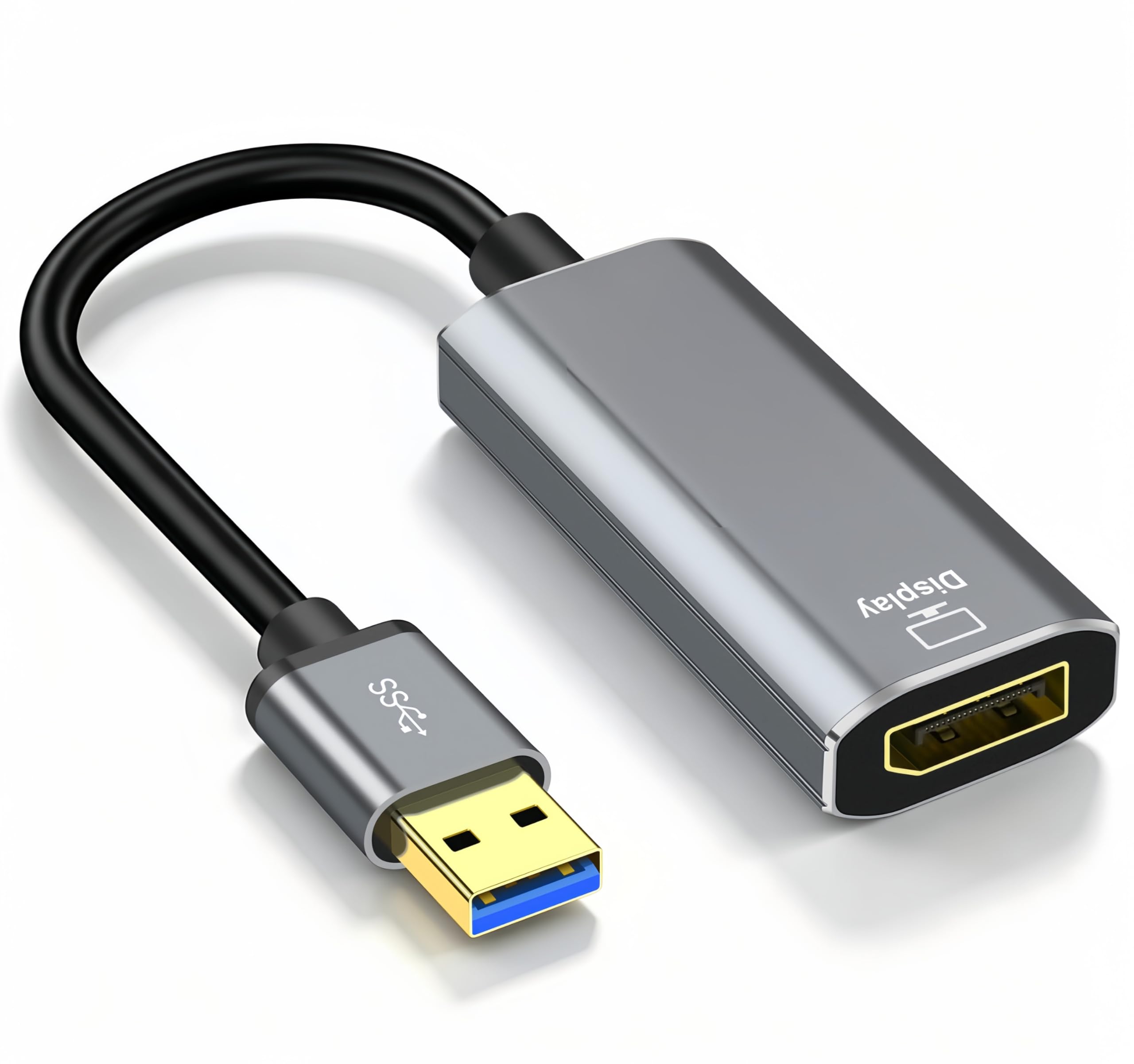
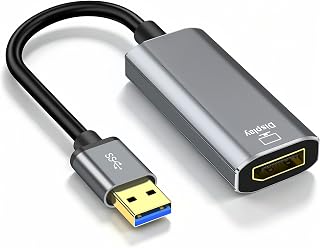
USB to DisplayPort Adapter, Built-in Drivers, USB 3.0 to DisplayPort Female HD 1080P Monitor Converter Cord with Audio for Desktop, Laptop Link to Monitor, Projector, Compatible with Mac OS/Windows

USB to DisplayPort Adapter, Built-in Drivers, USB 3.0 to DisplayPort Female HD 1080P Monitor Converter Cord with Audio for Desktop, Laptop Link to Monitor, Projector, Compatible with Mac OS/Windows

★★★★★ 4.1 71,432 ratings

About this item

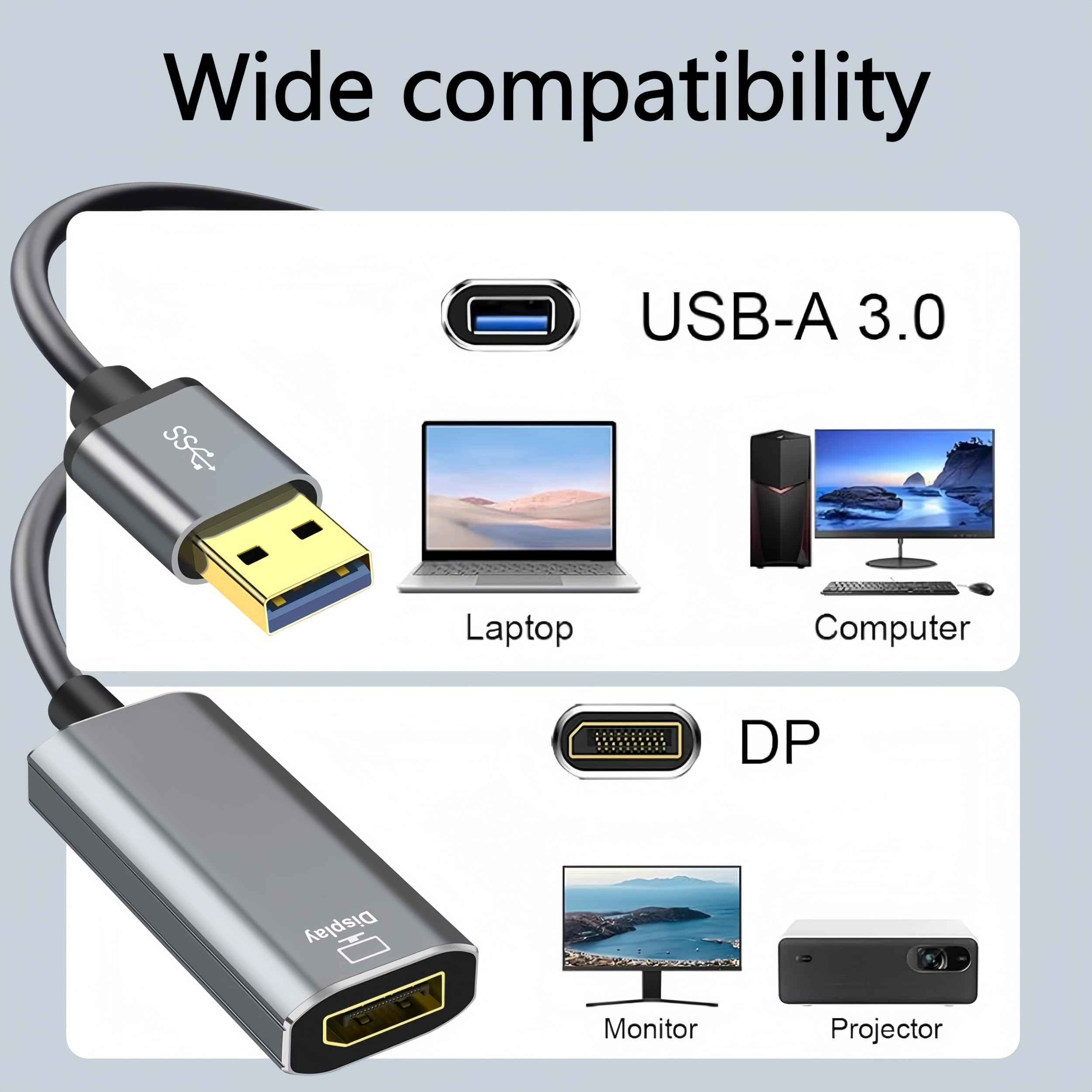
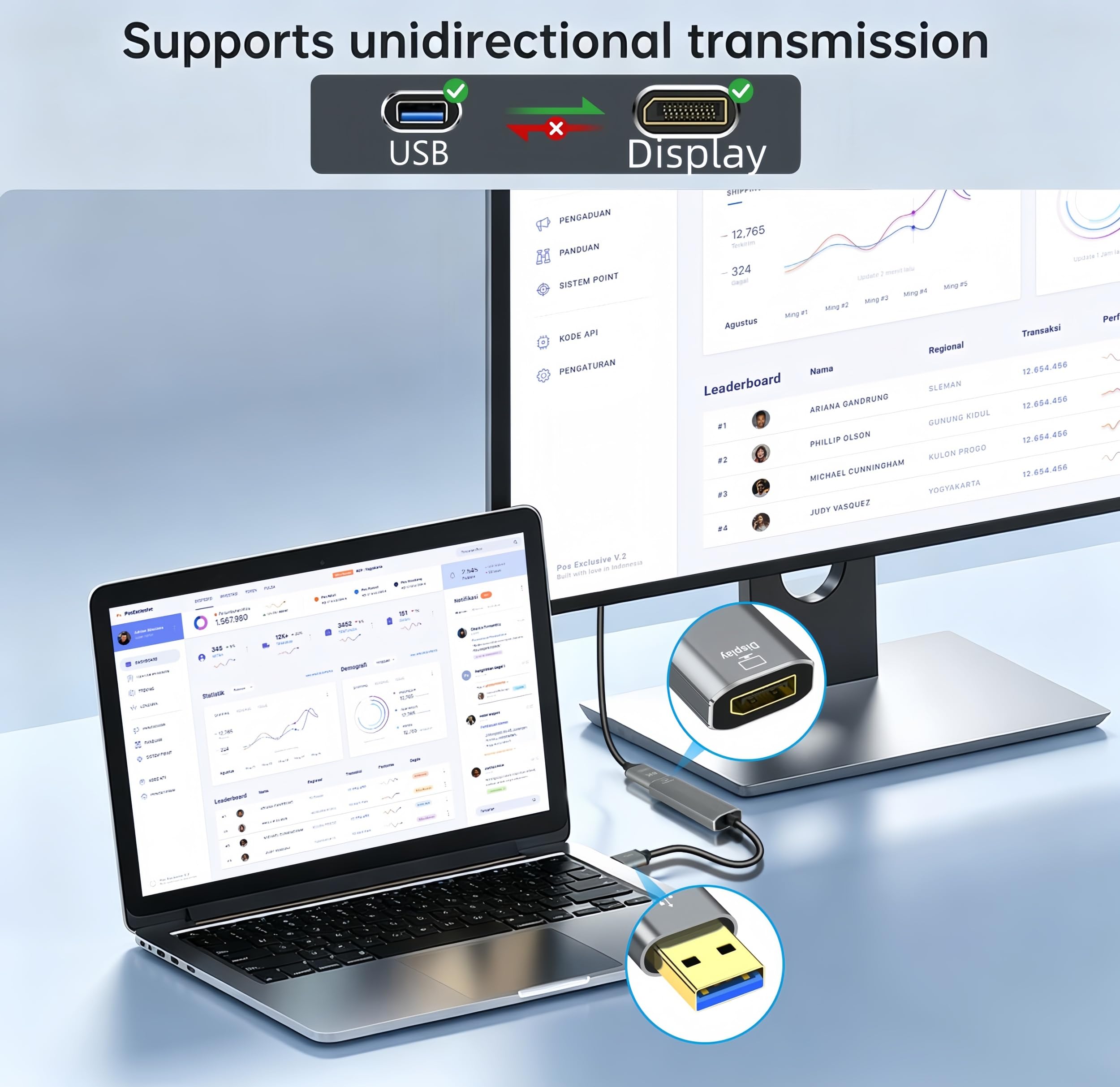
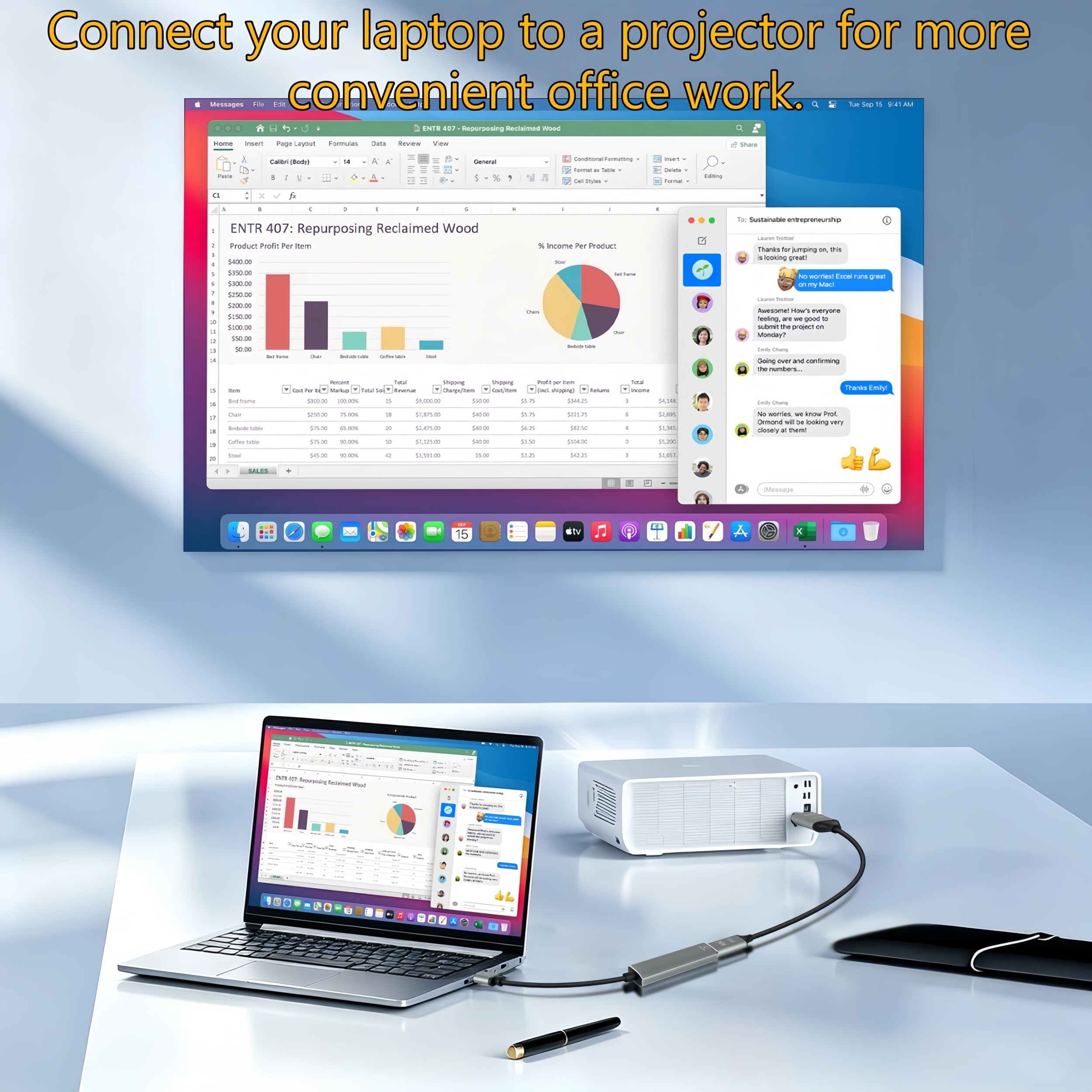
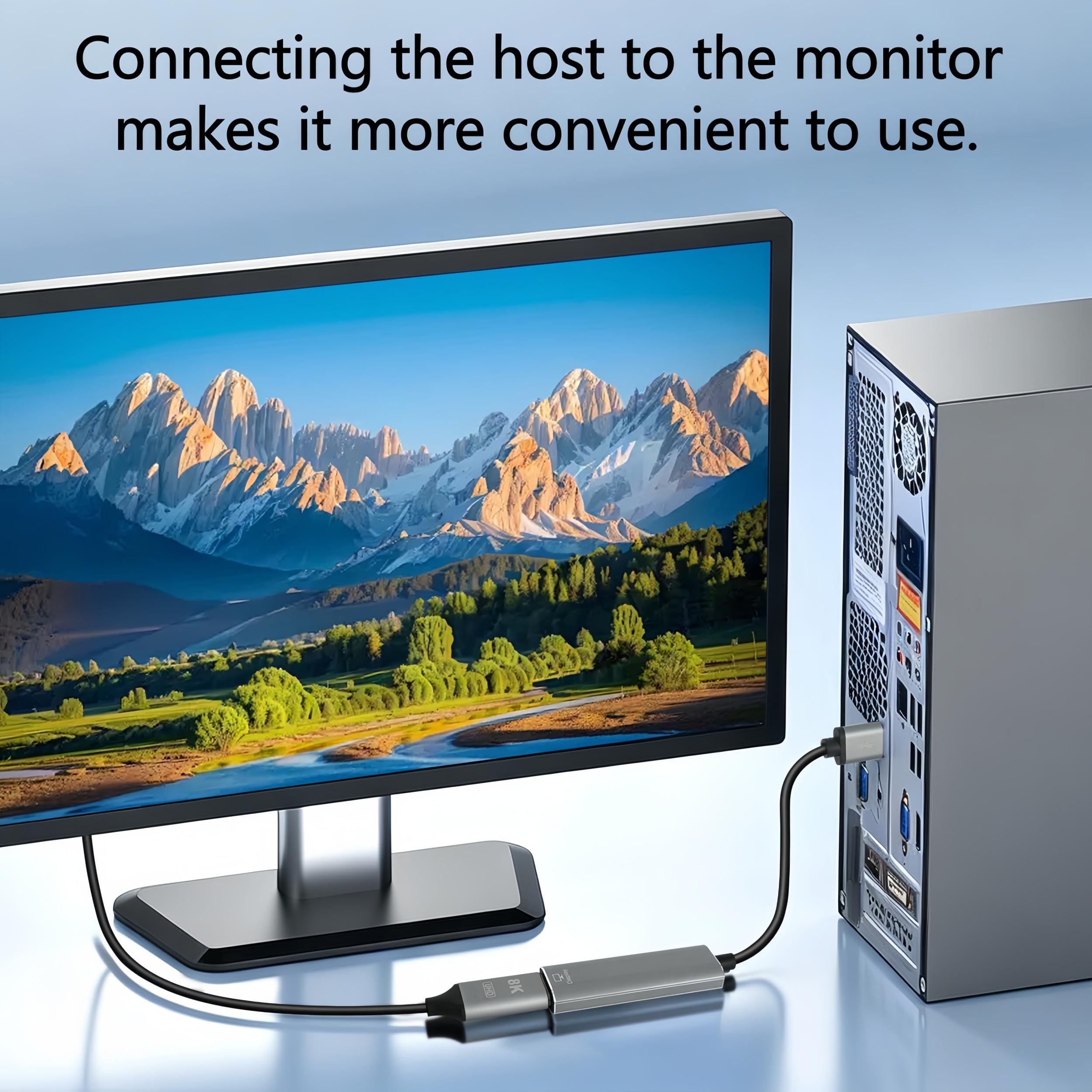
  • 【USB to DisplayPort adapter】Connects a USB-enabled devices (such as laptop, desktop) to a DisplayPort-enabled devices( such as monitor, projector).Please Notes!!1. The usb to hdmi cable build in driver, For first time to use, you need to install the driver and then restart the computer can be used. 2. This is usb to DisplayPort adapter for video transmission, It is not a bidirectional, can only co
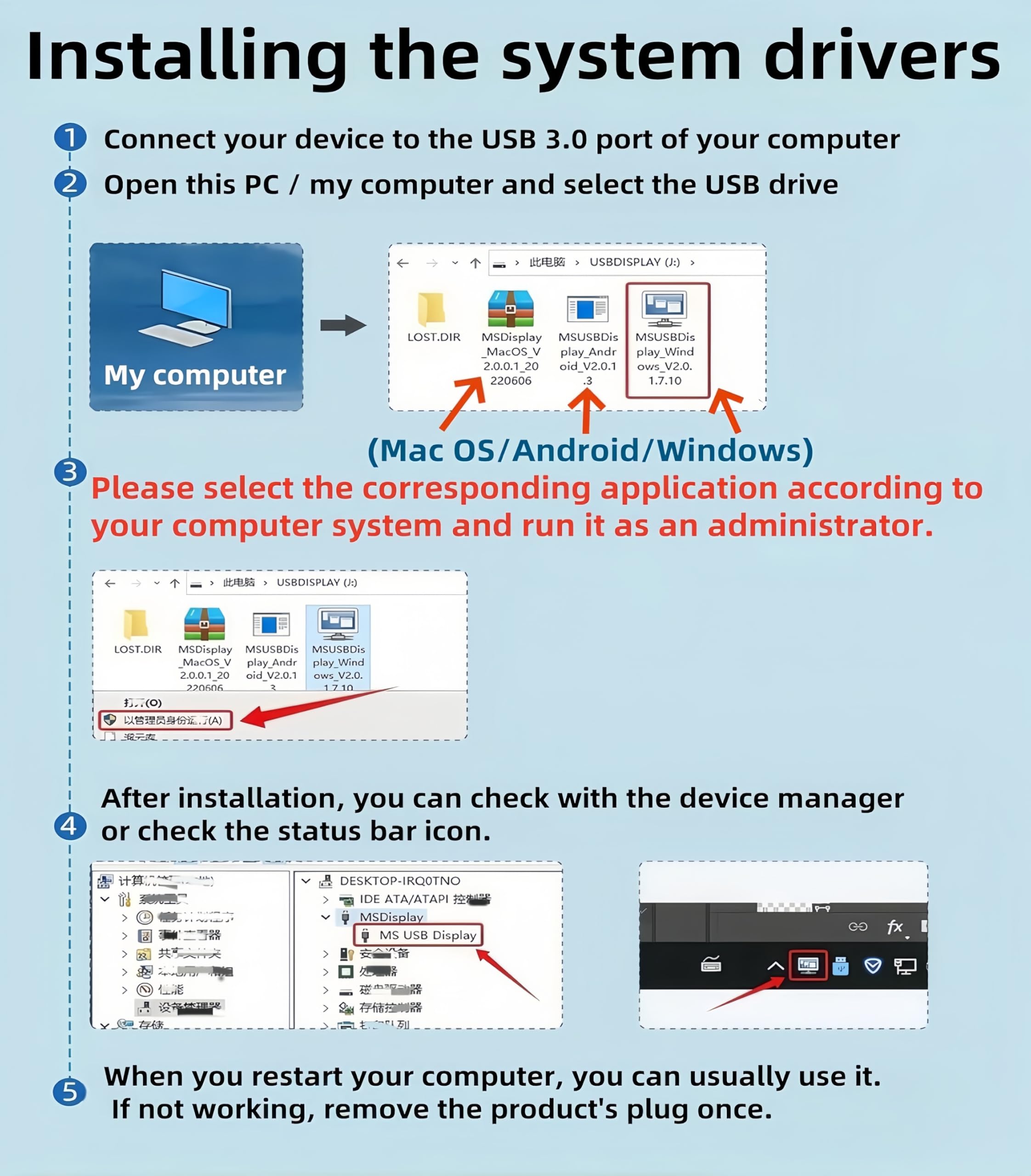
  • 【Install Driver】1. The usb to hdmi cable build in driver, For first time to use, you need to install the driver. 2.Make sure all equipment is on when you use it 3. just connect the device to the computer, then open the removable drive, find the corresponding driver(USB Display), click install and then restart the computer can be used. (Note: Please close the antivirus software before installation.
  • 【Wide Compatibility】Compatible with Dell, Lenovo, Huawei, Xiaomi, Laptop Suport Windows 11/10/8.1/8/7. Please Notes!!Only support Laptop/Desktop,Not support other device with usb 3.0 port(like PS3/PS4, Xbox), Not supportWindows XP, Chromebook, Roku, OS etc.(If you are not sure, please feel free to let us know, we are very glad to help you to check.
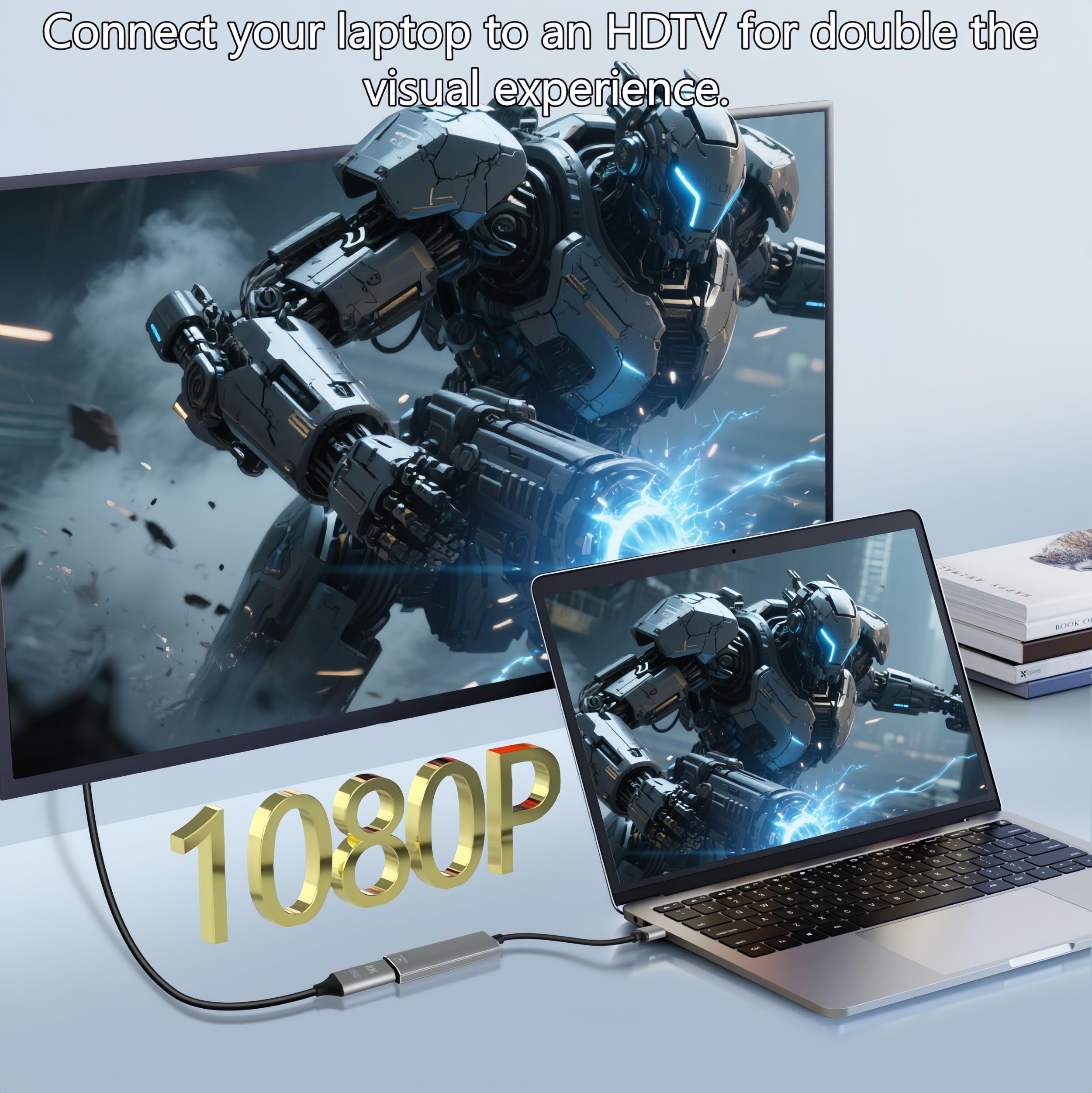
  • 【1080P Full HD display】USB to Displayport adapter support 1920*1080 display. Use with computer's Displayport & USB to connect two. If screen res >1920*1080, adjust to 1920*1080. With USB 2.0 or unsupported receiving device, output is 800*600.
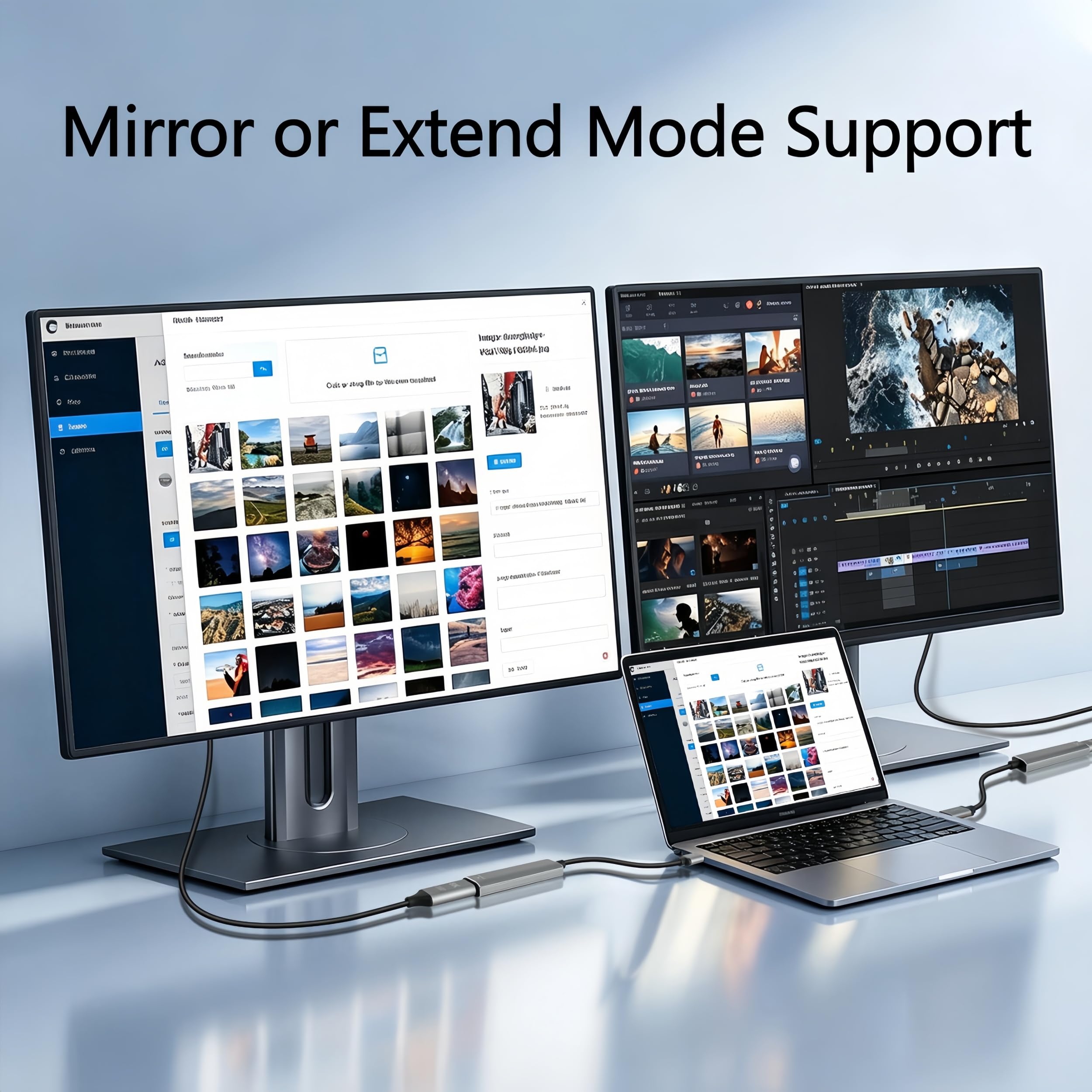
  • 【Improve Work Efficiency】 This USB to DisplayPort adapter have extend mode let your laptop for visibility of multiple tasks at the same time; Mirror mode gives your laptop to a large screen for a visual enjoyment.Ideal for Simultaneous implementation of many tasks, video conference, corporate training, etc.Use the "WIN+P" shortcut keys to switch mirror and extend mode in Windows system.*Note: Plea
  • 【USB to DisplayPort adapter】Connects a USB-enabled devices (such as laptop, desktop) to a DisplayPort-enabled devices( such as monitor, projector).Please Notes!!1. The usb to hdmi cable build in driver, For first time to use, you need to install the driver and then restart the computer can be used. 2. This is usb to DisplayPort adapter for video transmission, It is not a bidirectional, can only co
  • 【Install Driver】1. The usb to hdmi cable build in driver, For first time to use, you need to install the driver. 2.Make sure all equipment is on when you use it 3. just connect the device to the computer, then open the removable drive, find the corresponding driver(USB Display), click install and then restart the computer can be used. (Note: Please close the antivirus software before installation.
  • 【Wide Compatibility】Compatible with Dell, Lenovo, Huawei, Xiaomi, Laptop Suport Windows 11/10/8.1/8/7. Please Notes!!Only support Laptop/Desktop,Not support other device with usb 3.0 port(like PS3/PS4, Xbox), Not supportWindows XP, Chromebook, Roku, OS etc.(If you are not sure, please feel free to let us know, we are very glad to help you to check.
  • 【1080P Full HD display】USB to Displayport adapter support 1920*1080 display. Use with computer's Displayport & USB to connect two. If screen res >1920*1080, adjust to 1920*1080. With USB 2.0 or unsupported receiving device, output is 800*600.
  • 【Improve Work Efficiency】 This USB to DisplayPort adapter have extend mode let your laptop for visibility of multiple tasks at the same time; Mirror mode gives your laptop to a large screen for a visual enjoyment.Ideal for Simultaneous implementation of many tasks, video conference, corporate training, etc.Use the "WIN+P" shortcut keys to switch mirror and extend mode in Windows system.*Note: Plea

Product details

ASINB0CTC38S7M
Marketplace🇬🇧 UK · GBP
CategoryAmazon
Customer reviews71,432 ratings · 4.1/5
DeliveryFast Prime-eligible delivery
Returns30-day free returns
£17.99
FREE delivery for Prime members
Returns allowed within 30 days
Shipped & sold by Amazon
In Stock
Go to Amazon Buy Now 🇬🇧
🔒 Secure Amazon checkout
Back to top ↑